Turn your backlog into shorts today
Shortify turns your existing ideas, content, and stories into polished shorts. Add captions, pick a layout, and export ready-to-post files.
From transcript, PDF, or URL. No credit card.
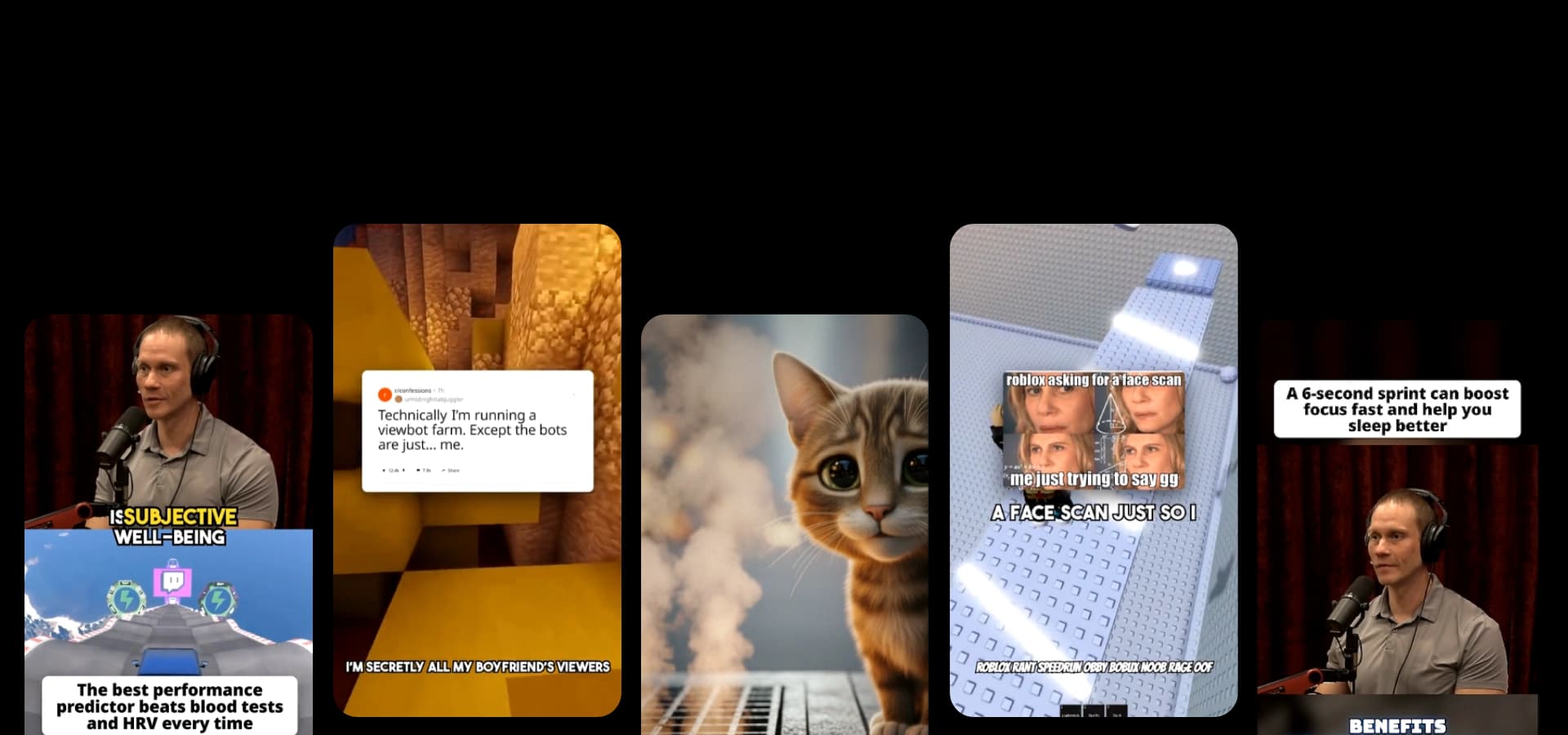
Shortify turns your existing ideas, content, and stories into polished shorts. Add captions, pick a layout, and export ready-to-post files.
From transcript, PDF, or URL. No credit card.
Turn your book highlights and favorite quotes into a narrated video for BookTok, Reels, or Shorts. Paste the lines, say which to read word for word, and get ink-style images, a voiceover, and captions.
Generate an ink wash / brush illustration style short from a prompt (AI Images).
Describe what you want to see in your video. We'll generate the script and create the video for you.
Optional. Pick a narration voice and we'll force it during script generation.
Search by voice name, language, or accent. Supported languages are shown on each voice card.
Pick what visuals should drive the video.
Optional. Pick a b-roll clip and we'll use it for your video. You can always change it later.
Loading b-roll…
Optional. Every video runs over 1 minute. A chosen length is the minimum; it may run up to 20% longer.
Optional. Pick a track below or choose "No music" to leave the video without background music. You can always change it later.
Short accent sounds between segments. Turn off for narration and music only.
Optional. Upload a PDF or paste a webpage URL to extract content.
Creators are already generating, exporting, and upgrading with Shortify.


creators signed up
videos generated
clips generated
Explore 23+ generators and tools for any video you need.
Start from the lines you highlighted while reading.
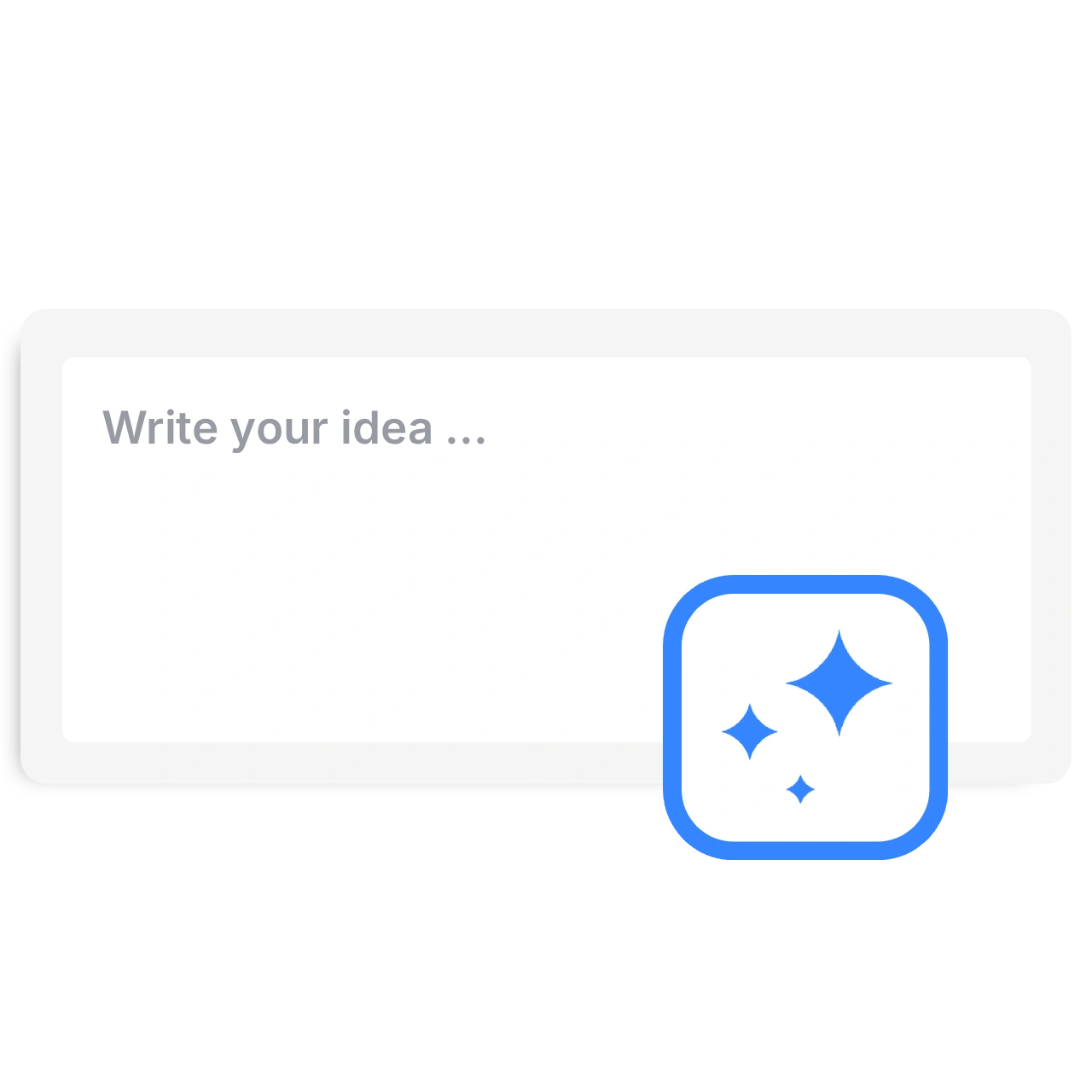
Add one to five book highlights or quotes with the book and author. Put "Read this word for word:" before each line that must stay exact.
AI images with the ink preset start selected. Pick a voice, music, and a target length, or change the image style.
Watch the result, compare each quote with your book, then download the vertical video.
Other formats, pacing, and styles you can start from.
This quote video maker turns your book highlights and favorite quotes into a short narrated video. It works when the viewer hears a line worth keeping and learns why it mattered to you. Shortify writes the narration around the highlights you paste, makes ink-style images for each part, adds a voiceover and word-by-word captions, and exports a vertical video for BookTok, Reels, or Shorts.
Choose highlights that still make sense out of context, and note the book, the author, and why each one stayed with you. If your highlights are spread across Kindle, PDFs, and notes apps, gather them in one place first so you can review them and choose the lines that still matter. Screvi's reading guide shows a short weekly routine for it.
Put each quote in quotation marks with the book and author, and write "Read this word for word:" before it. Then say what the narrator adds: why the line matters, how two quotes connect, or a question for viewers. Watch the result before you post, because the script writer can still change a quote. If your notes are in a PDF, sign in, open Content Source, and upload it instead of pasting.
The ink preset suits classics, poetry, and philosophy. For fantasy or romance, switch the image style in the same form. The images illustrate the mood of the quote; they are not the real book cover or characters from an adaptation.
Make a book quote video about Walden by Henry David Thoreau. Read this word for word: "I went to the woods because I wished to live deliberately, to front only the essential facts of life, and see if I could not learn what it had to teach, and not, when I came to die, discover that I had not lived." Then explain in plain words what Thoreau was testing at Walden Pond, and end by asking viewers which book made them change a habit. Calm voice, ink illustrations of a cabin by a pond.
Pick the right tool, provide your input, and you’ll create a video in no time. Customize it however you want.
Turn your script or idea into a short AI video with hook, pacing, and structure.
Generate cinematic short videos from a prompt with AI images, realistic style, captions, voiceover, and share-ready pacing.
Generate Pixar-style short videos from a prompt with AI images, captions, voiceover, and share-ready pacing.
Generate stop-motion claymation style short videos from a prompt with AI images, captions, and voiceover.
Generate anime-style short videos from a prompt with AI images, captions, voiceover, and fast pacing.
Generate ink wash / brush illustration style short videos from a prompt with AI images, captions, and voiceover.
Generate cinematic sci‑fi short videos from a prompt with AI images, captions, voiceover, and futuristic visuals.
Generate epic fantasy short videos from a prompt with AI images, captions, voiceover, and magical visuals.
Generate vintage cartoon style short videos from a prompt with AI images, captions, voiceover, and classic slapstick vibes.
Turn a PDF into a narrated short video. Upload a document, choose the key points, and add a voice, background footage, and captions.
Paste a webpage URL and turn it into a short AI video with captions and share-ready pacing.
Turn an original story idea into a Reddit-style video with AI narration, gameplay backgrounds, and captions. Choose your voice and review before sharing.
Write "Read this word for word:" right before each quote and keep the quote in quotation marks. The script writer can still change a quote, short or long, so compare the narration and captions with your book before you post.
With AI images, such as the ink preset, the target is Auto (about one minute), 60, or 90 seconds. Longer targets, up to 180 seconds, need a background video instead of AI images. The narrator fills that time with your quotes and what you ask it to add, such as why a line matters or how two books connect.
No. It makes narrated videos with AI images, a voiceover, and captions. It does not lay out a quote as a designed image or animate typography templates.
You are responsible for the text you add. Keep quotes short, name the book and author, and add your own thoughts. Public-domain classics such as Walden or Pride and Prejudice avoid most rights questions.
You can explore the settings and watch the example without generating a video. Generation requires an account and credits. Free-tier allowances and watermarked exports have limits; check current pricing before starting.