Turn your backlog into shorts today
Shortify turns your existing ideas, content, and stories into polished shorts. Add captions, pick a layout, and export ready-to-post files.
From transcript, PDF, or URL. No credit card.
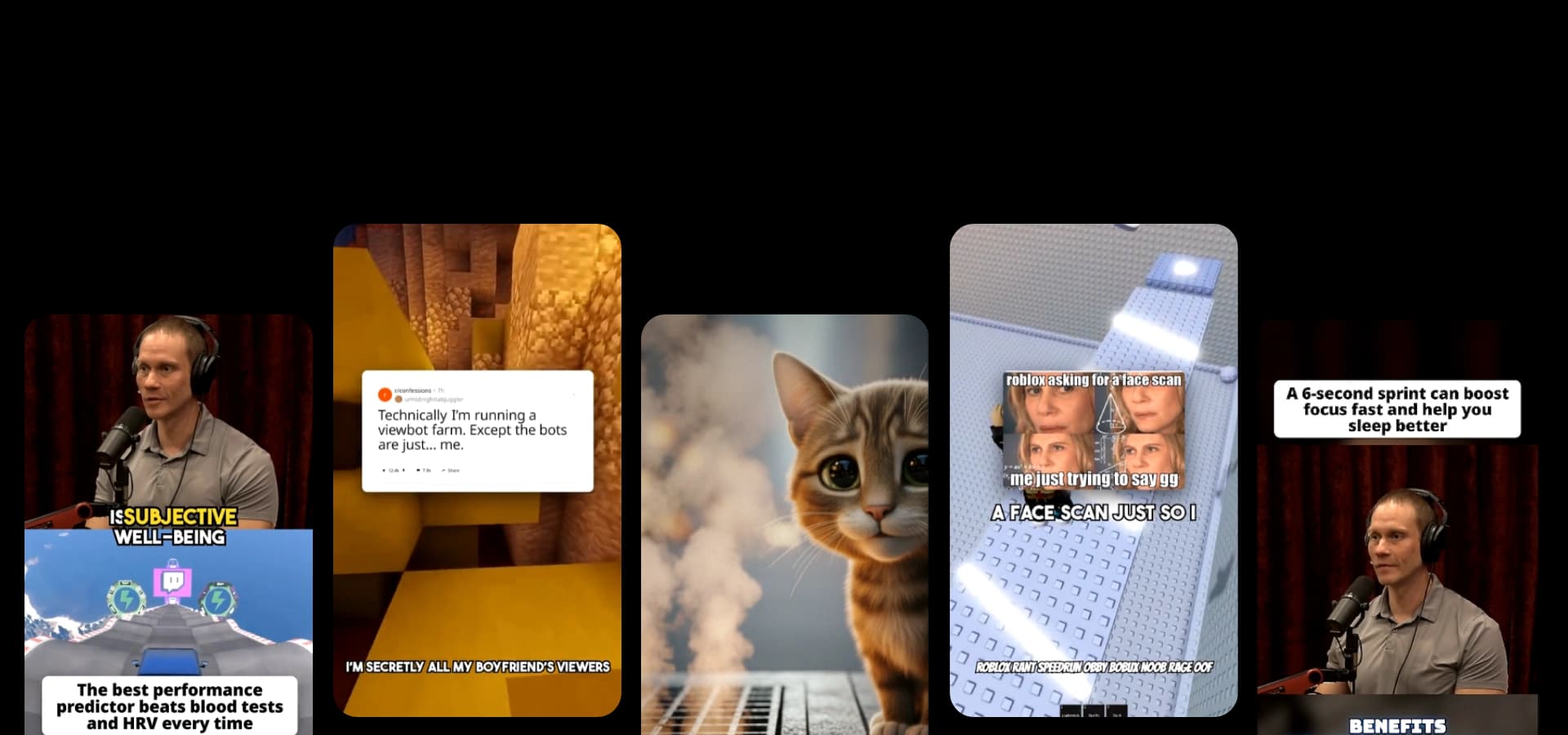
Shortify turns your existing ideas, content, and stories into polished shorts. Add captions, pick a layout, and export ready-to-post files.
From transcript, PDF, or URL. No credit card.
Turn a story, text, or PDF into a narrated short over Minecraft parkour. Start with gameplay selected, choose a voice, and add captions without recording your own run.
Pair your story or study notes with Minecraft parkour footage, narration, and captions.
Describe what you want to see in your video. We'll generate the script and create the video for you.
Optional. Pick a narration voice and we'll force it during script generation.
Search by voice name, language, or accent. Supported languages are shown on each voice card.
Optional. Pick a b-roll clip and we'll use it for your video. You can always change it later.
Loading b-roll…
Optional. Every video runs over 1 minute. A chosen length is the minimum; it may run up to 20% longer.
Optional. Pick a track below or choose "No music" to leave the video without background music. You can always change it later.
Short accent sounds between segments. Turn off for narration and music only.
Optional. Upload a PDF or paste a webpage URL to extract content.
Creators are already generating, exporting, and upgrading with Shortify.




creators signed up
videos generated
clips generated
Explore 23+ generators and tools for any video you need.
Use existing gameplay footage as the background for your own story or explanation.
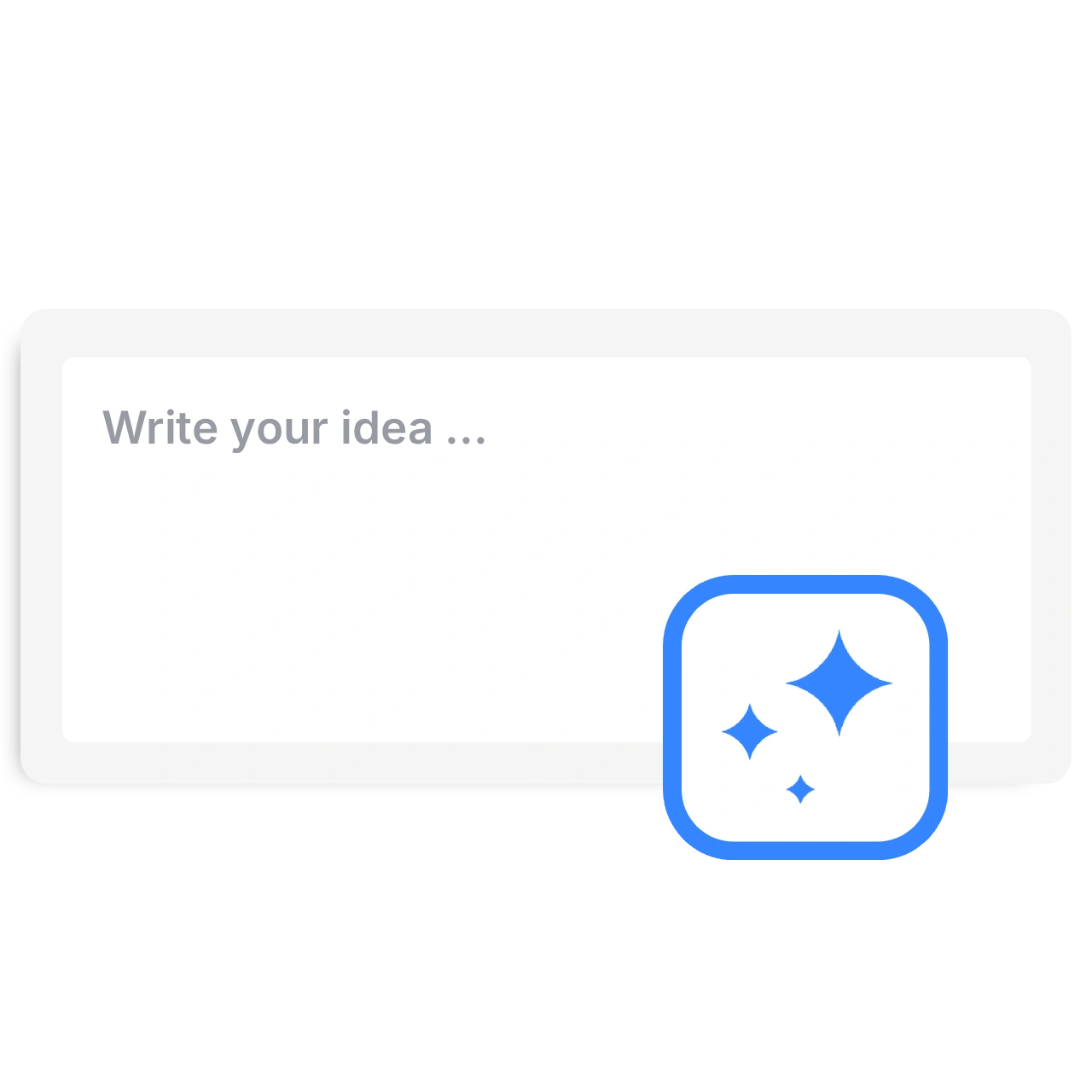
Paste text and instructions, or sign in and import a PDF using Content Source.
Minecraft parkour starts selected. Pick a voice, adjust the target duration, or choose another background.
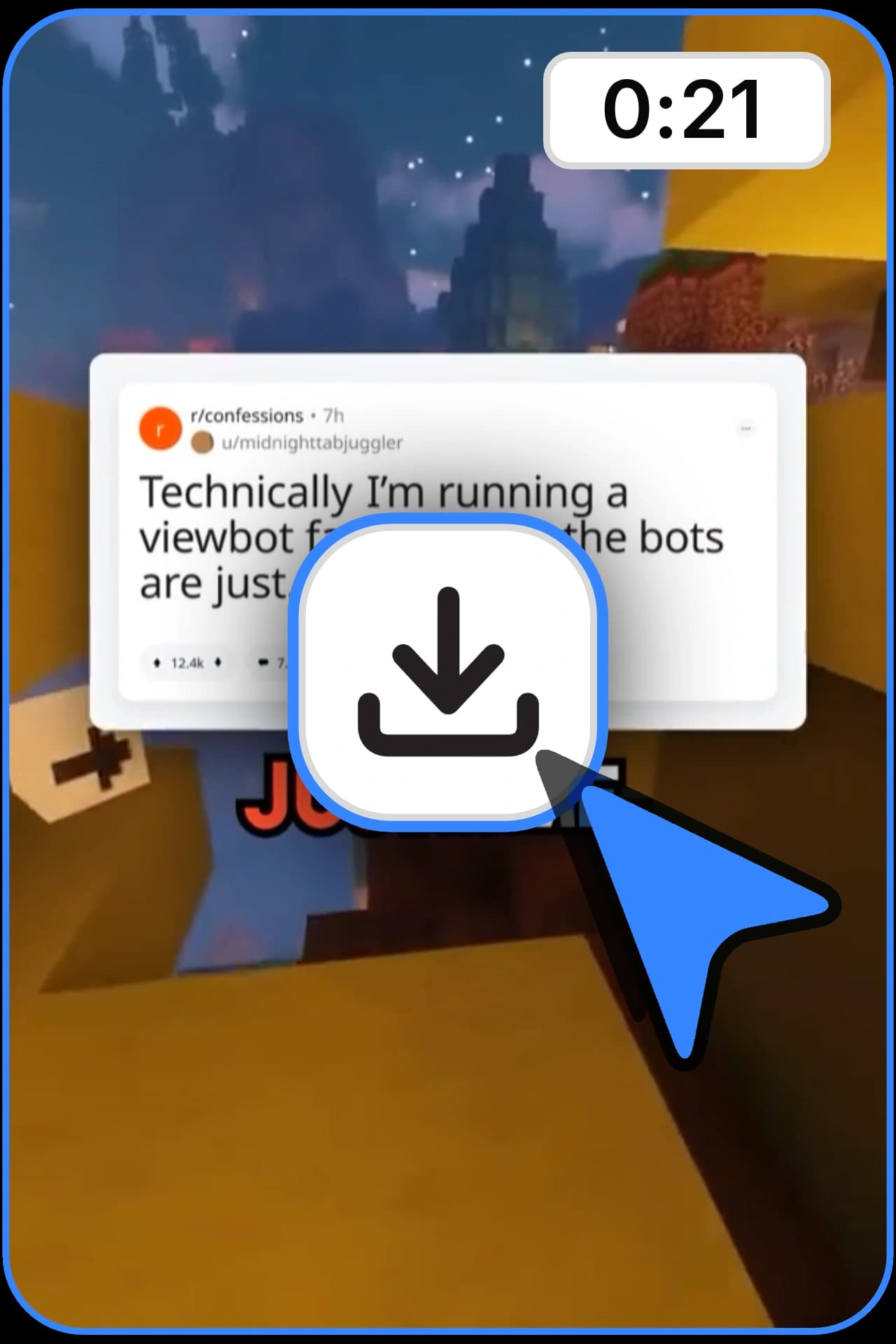
Watch the result, check the narration and captions, then download a vertical video.
Other formats, pacing, and styles you can start from.
The gameplay is already recorded. Your job is to choose what the viewer hears: a story, commentary, or a short explanation. Shortify pairs the generated narration and captions with the selected Minecraft parkour clip, so you do not need to record a game session to make this format.
Start with one idea and give the narration a beginning, a change, and an ending. If you paste a script, say which details must remain. For study notes, keep definitions and examples separate. Review the result for caption breaks, name pronunciation, and sentences that move too quickly.
Open Background Video to explore the available Minecraft, Roblox, Fortnite, and GTA footage. The text, narrator, and caption workflow stays the same. Shortify uses existing gameplay footage; this is not a generator for new game worlds, levels, or recorded runs.
Make a 60-second story about a player who keeps missing the last jump of a parkour course. A friend points out that they rush the easiest jump after clearing the hard one. End with what changes on their next attempt. Use a conversational narrator and keep the selected Minecraft background.
Pick the right tool, provide your input, and you’ll create a video in no time. Customize it however you want.
Turn your script or idea into a short AI video with hook, pacing, and structure.
Generate cinematic short videos from a prompt with AI images, realistic style, captions, voiceover, and share-ready pacing.
Generate Pixar-style short videos from a prompt with AI images, captions, voiceover, and share-ready pacing.
Generate stop-motion claymation style short videos from a prompt with AI images, captions, and voiceover.
Generate anime-style short videos from a prompt with AI images, captions, voiceover, and fast pacing.
Generate ink wash / brush illustration style short videos from a prompt with AI images, captions, and voiceover.
Generate cinematic sci‑fi short videos from a prompt with AI images, captions, voiceover, and futuristic visuals.
Generate epic fantasy short videos from a prompt with AI images, captions, voiceover, and magical visuals.
Generate vintage cartoon style short videos from a prompt with AI images, captions, voiceover, and classic slapstick vibes.
Turn a PDF into a narrated short video. Upload a document, choose the key points, and add a voice, background footage, and captions.
Paste a webpage URL and turn it into a short AI video with captions and share-ready pacing.
Turn an original story idea into a Reddit-style video with AI narration, gameplay backgrounds, and captions. Choose your voice and review before sharing.
No. It pairs a script and AI narration with existing parkour footage. It does not create a Minecraft world, play the game, or record a new run.
Yes. Open Background Video to choose from the available Minecraft, Roblox, Fortnite, and GTA footage. The same narration and caption workflow works with those backgrounds.
You can explore the settings and watch the example without generating a video. Generation requires an account and credits. Free-tier allowances and watermarked exports have limits; check current pricing before starting.
Yes. Sign in, open Content Source, and choose PDF document. Use readable text and describe which part to cover. Review the generated summary against your source before posting.
This page creates narration over selected background footage. It is not a two-video upload editor. Use a dedicated split-screen editor if you need precise placement and timing of two existing recordings.