Turn your backlog into shorts today
Shortify turns your existing ideas, content, and stories into polished shorts. Add captions, pick a layout, and export ready-to-post files.
From transcript, PDF, or URL. No credit card.
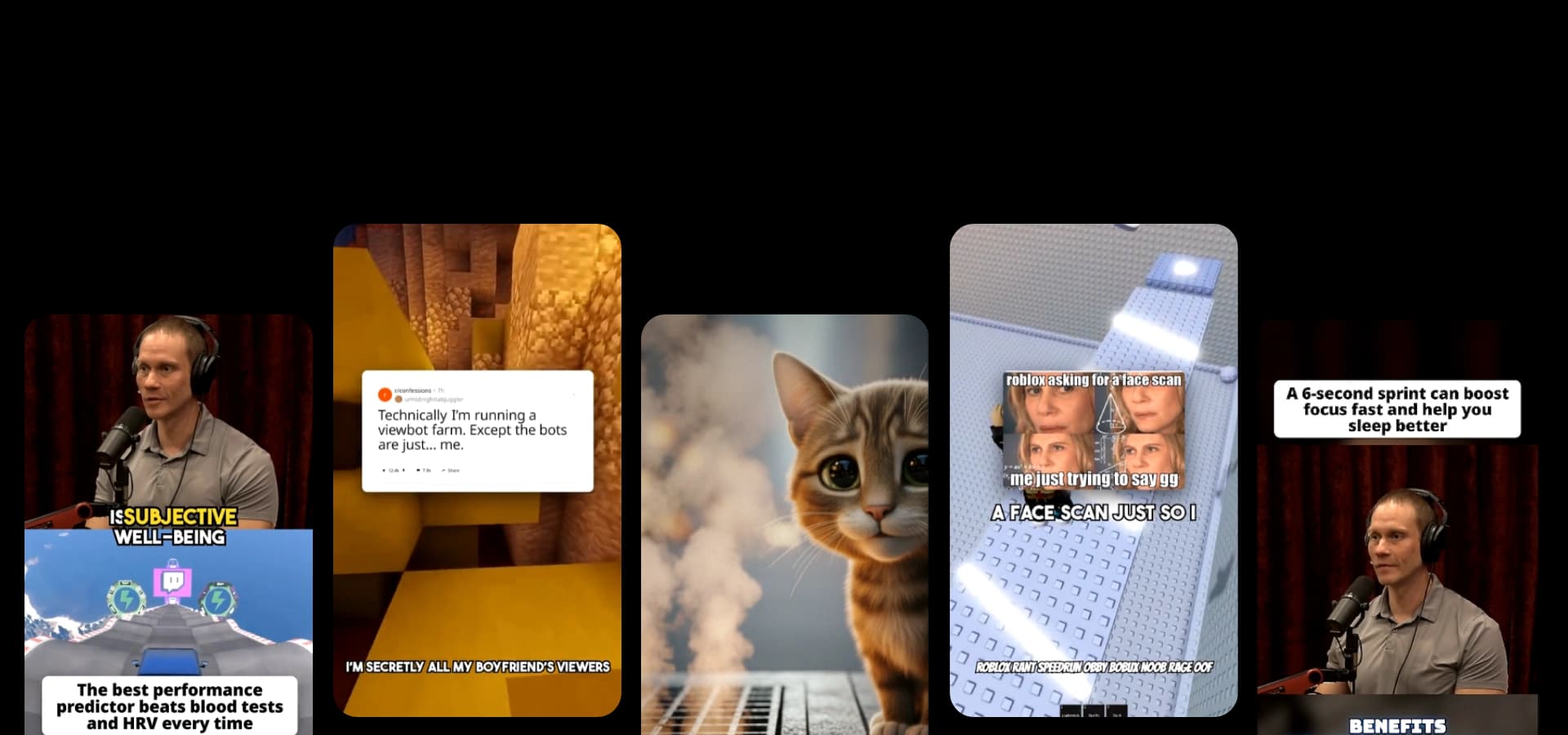
Shortify turns your existing ideas, content, and stories into polished shorts. Add captions, pick a layout, and export ready-to-post files.
From transcript, PDF, or URL. No credit card.
Turn a report, guide, or set of notes into a narrated short. Upload your PDF, describe what to explain, and choose a voice and background.
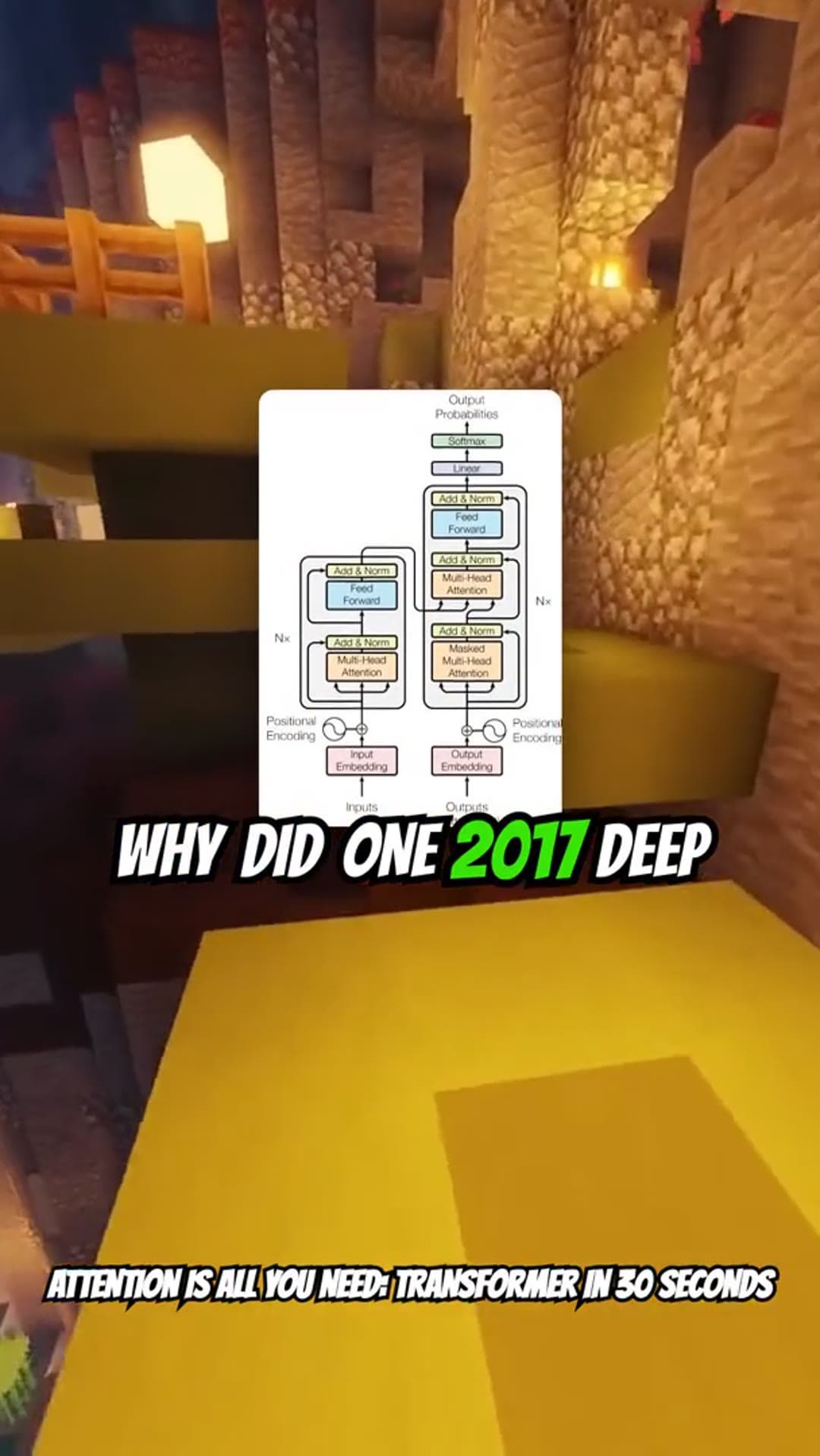
Turn a PDF into a vertical short. Upload a PDF, then add any extra instructions.
Optional. Upload a PDF and we’ll extract text and images.
Drop your PDF here or click to browse files
Supports PDF files with parsable text
Describe what you want to see in your video. We'll generate the script and create the video for you.
Optional. Pick a narration voice and we'll force it during script generation.
Search by voice name, language, or accent. Supported languages are shown on each voice card.
Optional. Pick a b-roll clip and we'll use it for your video. You can always change it later.
Loading b-roll…
Optional. Every video runs over 1 minute. A chosen length is the minimum; it may run up to 20% longer.
Optional. Pick a track below or choose "No music" to leave the video without background music. You can always change it later.
Short accent sounds between segments. Turn off for narration and music only.
Creators are already generating, exporting, and upgrading with Shortify.




creators signed up
videos generated
clips generated
Explore 23+ generators and tools for any video you need.
Use your document as source material for a focused video summary.
Sign in and upload a PDF with readable text. Shortify extracts its content for the video.
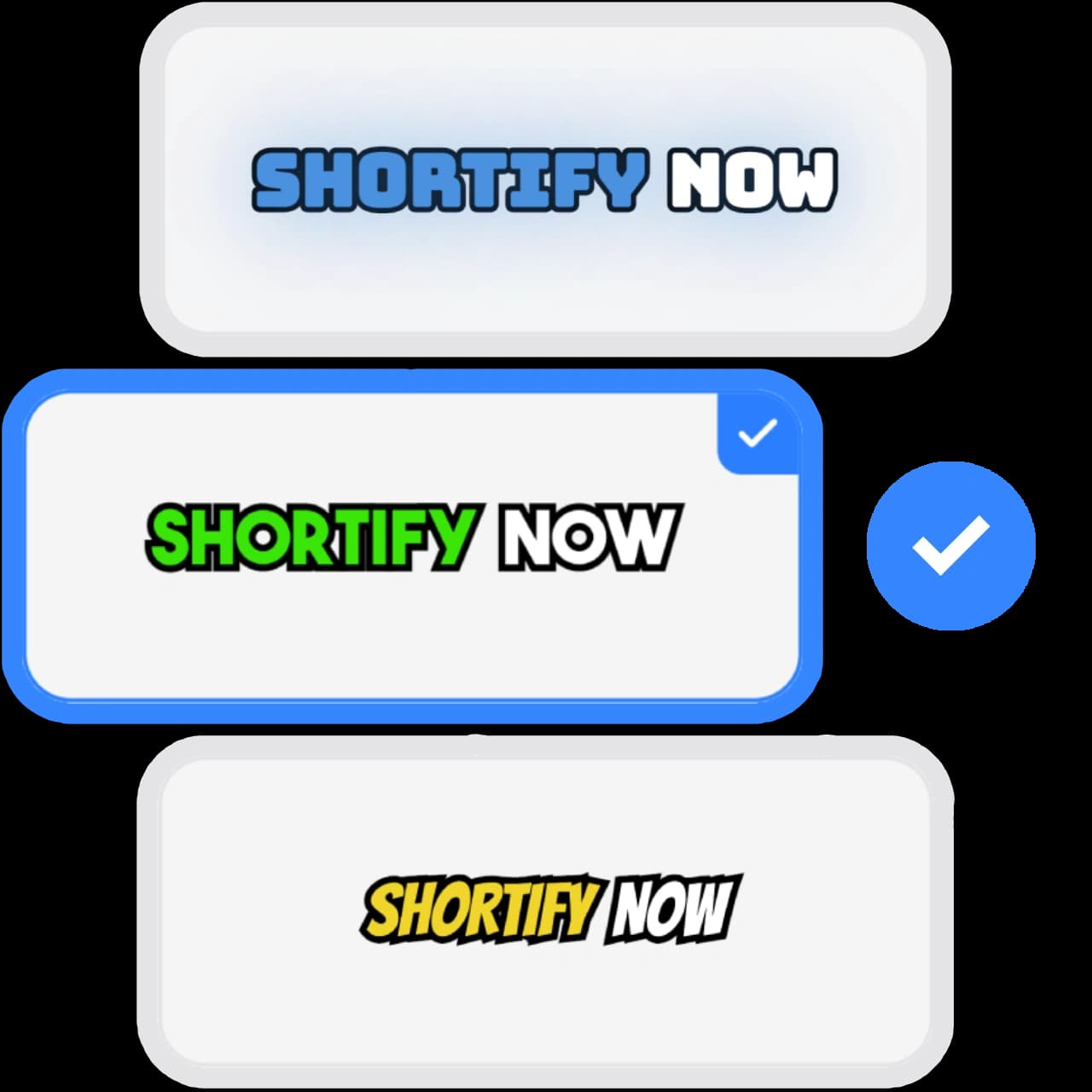
Name the audience and the key points to cover. Select a voice, background, and target duration.
Check the generated summary against your source, review the captions, and download the vertical video.
Other formats, pacing, and styles you can start from.
A report and a short video do different jobs. Use your PDF as source material, then tell Shortify which idea the viewer should understand. The tool builds a narrated summary with captions and background footage. It does not reproduce every page as a slide or preserve the document's layout.
Use the attached guide to explain its three steps for collecting rainwater in a 60-second video for first-time gardeners. Keep the quantities exactly as written. Explain unfamiliar terms simply, and finish by reminding viewers to check the full guide.
Pick the right tool, provide your input, and you’ll create a video in no time. Customize it however you want.
Turn your script or idea into a short AI video with hook, pacing, and structure.
Generate cinematic short videos from a prompt with AI images, realistic style, captions, voiceover, and share-ready pacing.
Generate Pixar-style short videos from a prompt with AI images, captions, voiceover, and share-ready pacing.
Generate stop-motion claymation style short videos from a prompt with AI images, captions, and voiceover.
Generate anime-style short videos from a prompt with AI images, captions, voiceover, and fast pacing.
Generate ink wash / brush illustration style short videos from a prompt with AI images, captions, and voiceover.
Generate cinematic sci‑fi short videos from a prompt with AI images, captions, voiceover, and futuristic visuals.
Generate epic fantasy short videos from a prompt with AI images, captions, voiceover, and magical visuals.
Generate vintage cartoon style short videos from a prompt with AI images, captions, voiceover, and classic slapstick vibes.
Turn a PDF into a narrated short video. Upload a document, choose the key points, and add a voice, background footage, and captions.
Paste a webpage URL and turn it into a short AI video with captions and share-ready pacing.
Turn an original story idea into a Reddit-style video with AI narration, gameplay backgrounds, and captions. Choose your voice and review before sharing.
Use a PDF with readable text, such as a guide, report, or your own notes. Scanned pages, dense tables, and complex layouts can extract poorly. Check the summary against the source before publishing.
No. This workflow uses the document as source material for a narrated short with background footage and captions. It is designed for summaries, rather than a frame-by-frame recording of the PDF layout.
Yes. Tell Shortify which section to explain, who the video is for, and which facts matter. For a long document, use a focused excerpt so the relevant material is included.
Yes. Choose a narrator and background footage, with optional music. The generated video includes captions that you can review before publishing.
Yes. PDF extraction requires you to sign in, and generating the video uses credits. The pricing page explains the current allowances and export options.
You get a social-ready vertical video optimized for Shorts, Reels, and TikTok.