Turn your backlog into shorts today
Shortify turns your existing ideas, content, and stories into polished shorts. Add captions, pick a layout, and export ready-to-post files.
From transcript, PDF, or URL. No credit card.
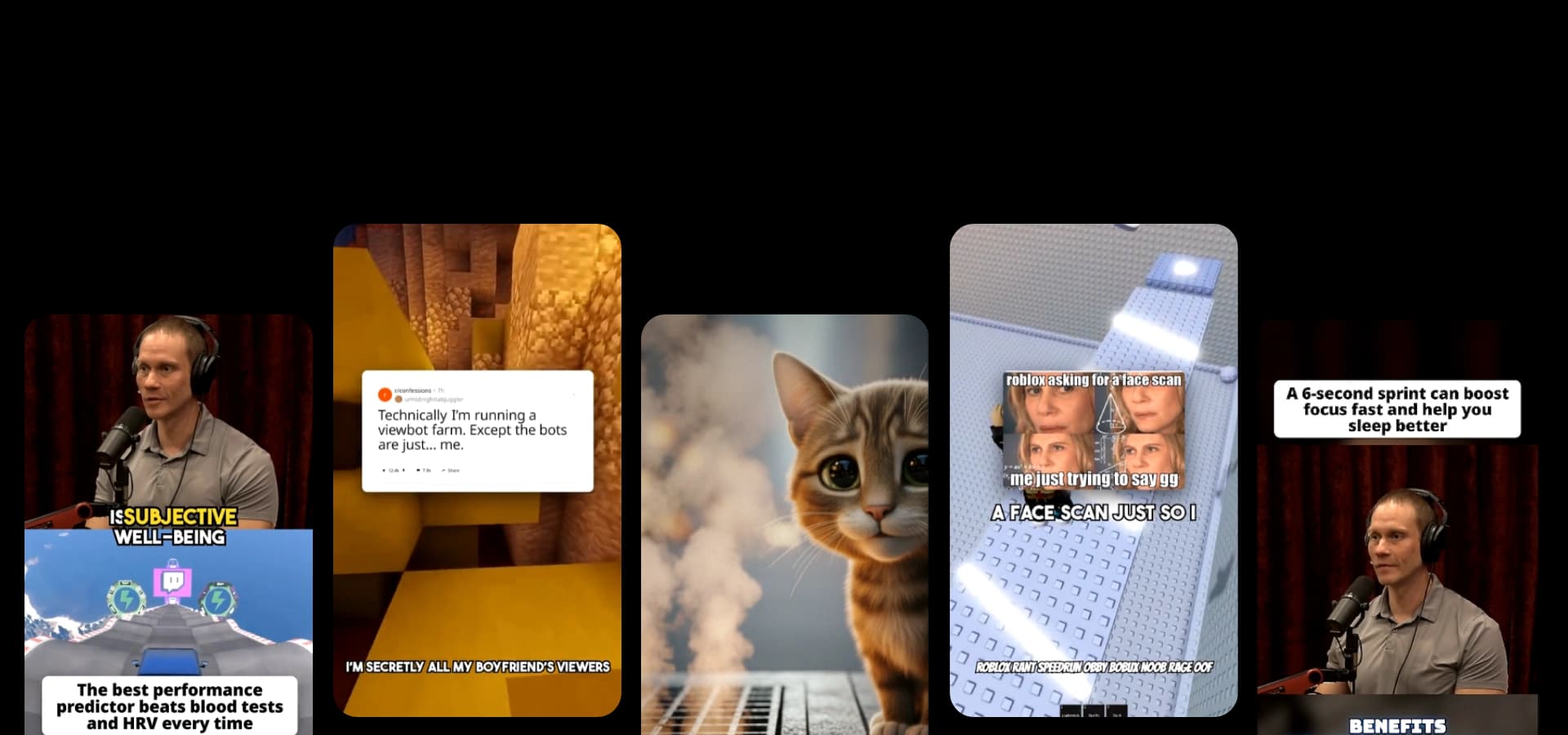
Shortify turns your existing ideas, content, and stories into polished shorts. Add captions, pick a layout, and export ready-to-post files.
From transcript, PDF, or URL. No credit card.
Turn your text, study notes, or a PDF into a narrated short over gameplay. Add direction, pick a background, and review the captions before sharing.
Turn a topic, study notes, or a PDF into a fast narrated short over gameplay.
Describe what you want to see in your video. We'll generate the script and create the video for you.
Optional. Pick a b-roll clip and we'll use it for your video. You can always change it later.
Loading b-roll…
Optional. Every video runs over 1 minute. A chosen length is the minimum; it may run up to 20% longer.
Optional. Pick a track below or choose "No music" to leave the video without background music. You can always change it later.
Short accent sounds between segments. Turn off for narration and music only.
Optional. Upload a PDF or paste a webpage URL to extract content.
Creators are already generating, exporting, and upgrading with Shortify.




creators signed up
videos generated
clips generated
Explore 23+ generators and tools for any video you need.
Bring the source material and choose the point your video should explain.
Paste notes into the prompt, or open Content Source to upload a PDF after signing in.
Pick gameplay footage and optional music. Tell the generator what to cover and how to pace the explanation.
Review the facts, narration and captions against your source before exporting your vertical video.
Other formats, pacing, and styles you can start from.
Bring the content you want to explain: a paragraph, a set of revision notes, or an original opinion. Shortify adapts it into a fast-paced script with narration, gameplay footage, captions, and optional music. The example above shows the entertainment format; for study material, keep the explanation accurate and ask for a calmer pace where the topic needs it.
Use a focused set of notes rather than an entire course. Name the concept, supply the facts, and ask for a short recap with one example. Check definitions, dates, and numbers against your notes after generation. A video can help you revisit material, but this tool does not check your understanding or promise better recall.
Paste your text in the prompt, then say who it is for and what must stay. For example: explain evaporation to a first-year science student, keep the definition unchanged, and finish with one everyday example. The generator can shorten or rewrite your text; review the narration instead of expecting a verbatim reading.
Open Content Source, select PDF document, and sign in to upload. Use a PDF with readable text and add instructions about the section to cover. Scanned pages and dense tables may extract poorly. For long documents, upload a focused excerpt and check that the video kept the important context.
Italian brainrot often means surreal characters and exaggerated narration. This preset makes narrated gameplay shorts; it does not animate a cast of those characters or clone a specific meme voice. For original still illustrations, use the prompt-to-video tool and choose AI images. For a chosen narration language, select a voice that supports it in that tool.
Make a 60-second recap from these notes: evaporation is liquid water becoming water vapour; condensation is water vapour becoming liquid water. Use a drying puddle and droplets on a cold glass as the two examples. Keep the definitions accurate, use plain language, and leave enough time to understand each example.
Pick the right tool, provide your input, and you’ll create a video in no time. Customize it however you want.
Turn your script or idea into a short AI video with hook, pacing, and structure.
Generate cinematic short videos from a prompt with AI images, realistic style, captions, voiceover, and share-ready pacing.
Generate Pixar-style short videos from a prompt with AI images, captions, voiceover, and share-ready pacing.
Generate stop-motion claymation style short videos from a prompt with AI images, captions, and voiceover.
Generate anime-style short videos from a prompt with AI images, captions, voiceover, and fast pacing.
Generate ink wash / brush illustration style short videos from a prompt with AI images, captions, and voiceover.
Generate cinematic sci‑fi short videos from a prompt with AI images, captions, voiceover, and futuristic visuals.
Generate epic fantasy short videos from a prompt with AI images, captions, voiceover, and magical visuals.
Generate vintage cartoon style short videos from a prompt with AI images, captions, voiceover, and classic slapstick vibes.
Turn a PDF into a narrated short video. Upload a document, choose the key points, and add a voice, background footage, and captions.
Paste a webpage URL and turn it into a short AI video with captions and share-ready pacing.
Turn an original story idea into a Reddit-style video with AI narration, gameplay backgrounds, and captions. Choose your voice and review before sharing.
Yes. Paste a focused set of notes into the prompt or use Content Source for a PDF. Specify the facts to keep and ask for a recap. Check the result against your notes; the tool generates content and does not measure learning or verify every claim.
PDF import requires an account, and video generation uses credits. The free tier has limits and watermarked exports; check the pricing page for current allowance and eligibility. This is not an unlimited, no-signup PDF converter.
This brainrot preset selects its narration style automatically. For a specific voice or supported language, use the prompt-to-video or Minecraft parkour generator, which includes a voice selector.
This preset creates narrated shorts over gameplay, not animated Italian brainrot characters or cloned meme voices. The prompt-to-video tool offers AI images for original illustrated shorts; it is a different workflow from character animation.